Free 3D design for your classroom.
ShapeNook runs in the browser on school Chromebooks, lab computers and tablets, with nothing to install. Start from a template or a few basic shapes, and build up to real measuring and fit.
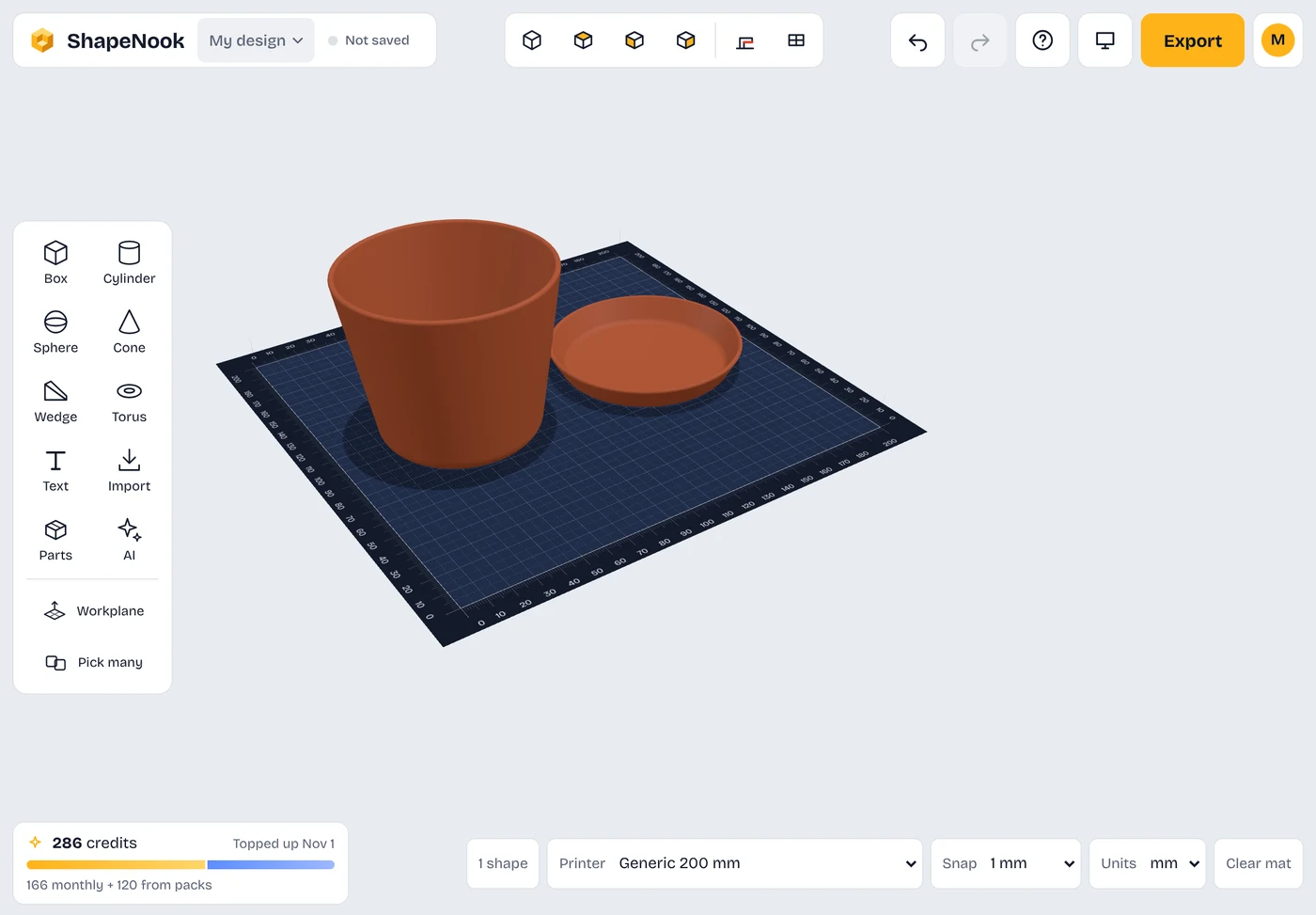
Nothing to install
Works in the browser on Chromebooks, lab computers and tablets. The iPad app (iPadOS 16.4 or later) is on the App Store, and the Android app (Android 10 or later) is in testing.
Easy to start
Students start from a template or a few basic shapes, so even a first lesson ends with something they made.
Real measurement skills
Exact sizes and fits connect design to math and engineering.
Class codes, no student emails
Make a class for free and share its code. Students join with the code, with no email address needed.
Put one code on the board. That’s the setup.
Make a class and ShapeNook gives you a short code to show on the projector. Students open the studio, type the code, their first name and last initial, and pick a 4-digit PIN. No emails, no forms, nothing to install.
Make a free class- Open the studio
- Tap Join your class
- Type the code, your first name and last initial, and a PIN
Lesson ideas
Free for classrooms
Every teacher can make a class and use the core tools for free. There’s nothing for your school to buy.
Make a class, share the code, and design with the core tools. No card needed.
Students join with your class code, their first name and last initial, and a 4-digit PIN. Nothing to buy and no accounts to set up for them.
No card, no invoice and no purchase order. Classrooms use the free tools.
Make your class in the studio: sign in and it opens My classes, with your code ready to share. How setup works.
Student privacy and ages
Personal accounts are for ages 13 and up. Students under 13 use ShapeNook only through a teacher’s class, with the school giving permission for classroom use. We keep as little about students as possible. Each student gets a Class account: they join with your class code, their first name and last initial, and a 4-digit PIN, which you can see on your class roster. Class accounts use the free tools and ready-made designs, with no AI tools.