ShapeNook for iPad Is Now on the App Store
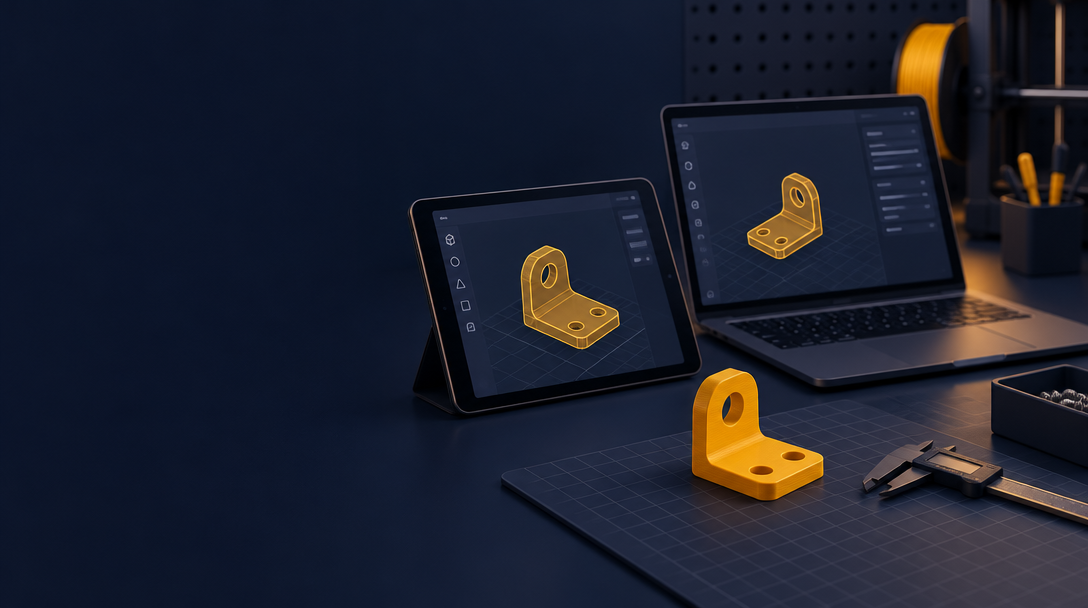
The ShapeNook iPad app is live on the App Store today, November 13, 2026. It is free to download. You can find it under the name ShapeNook: 3D Design & Print.
Download ShapeNook on the App Store
The app needs iPadOS 16.4 or later. It is the full ShapeNook studio, built for your finger and Apple Pencil. It uses the same account and the same designs as the browser version, so you can start a part on your iPad and finish it on a computer.
What you can do on iPad
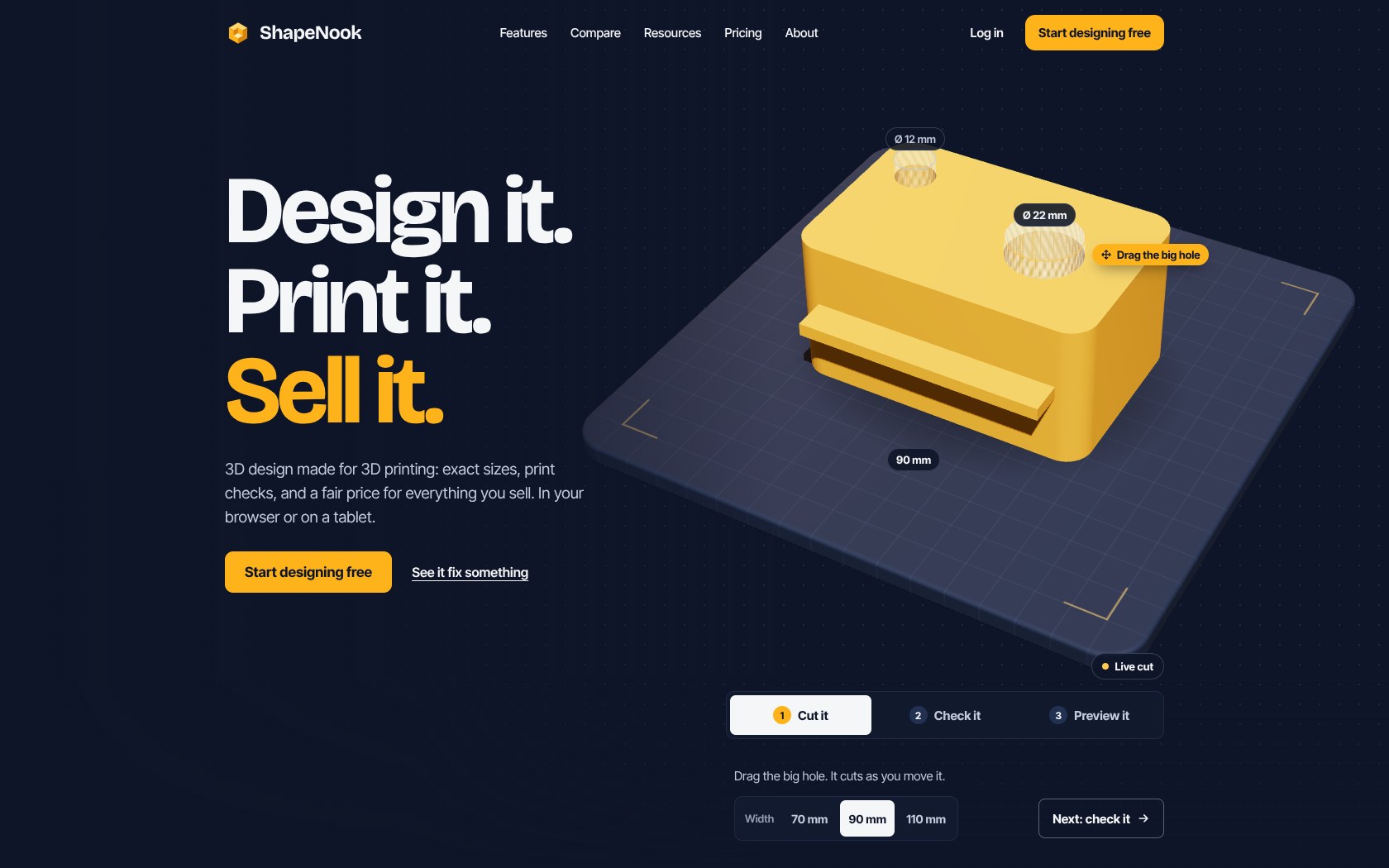
- Start from shapes with exact sizes.
- Add holes that fit real screws and magnets.
- Run a fit test for your printer.
- Check for overhangs before you print.
- Split big models so they fit your printer's bed.
- Describe an idea in a sentence and get an editable model with Create with AI. Every new account gets 100 free AI credits at sign-up.
- Paint parts and export a color 3MF on Plus.
- Price what you sell.
You export a file and print it on your own printer. ShapeNook creates the design. Your printer makes the part.
Plans and pricing
The app is free to download, and the free plan stays free. ShapeNook Plus starts at $9.99 a month or $79.99 a year. You can also buy AI credit packs. Both are available as in-app purchases.
See the full comparison on the ShapeNook app page.
Founding 100 is open in the app
Until November 30, 2026, buying Plus or any AI credit pack in the iPad app counts toward the first 100 Founding Makers. Founding Makers get:
- A price locked for life, as long as the plan stays active without a break.
- A numbered Founding Maker badge in the studio.
- A place on the Founders wall, with names kept private.
- A monthly vote on what gets built next from the roadmap.
See the Founders page for details.
Android tablets
The Android tablet app is still in testing. The iPad app is the tablet option available today.
Get started
Download the app, sign in with your ShapeNook account, and make your first part. Or open the studio in your browser at studio.shapenook.com.