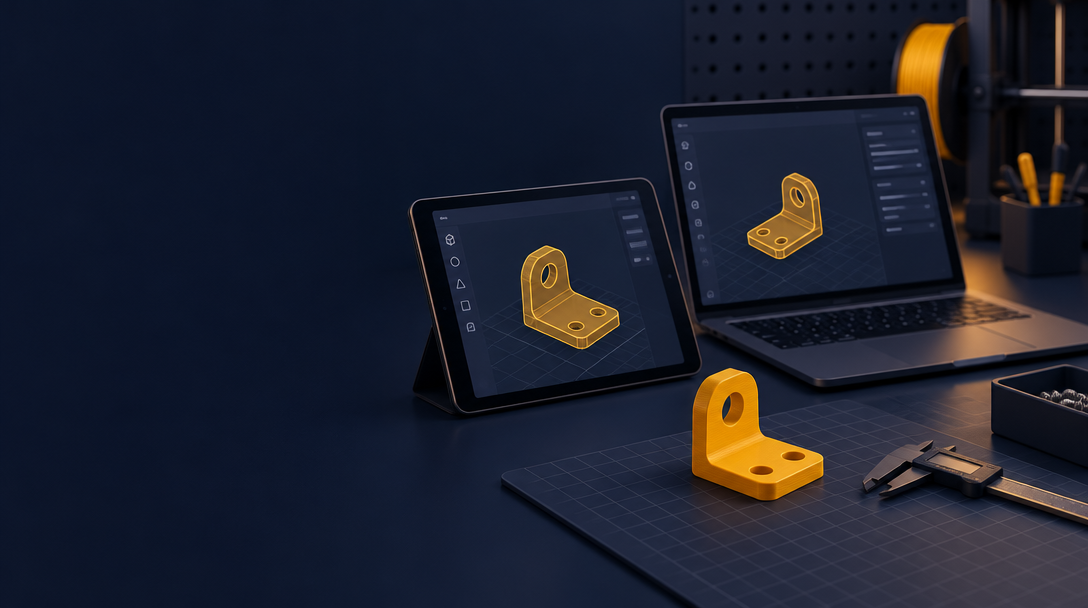
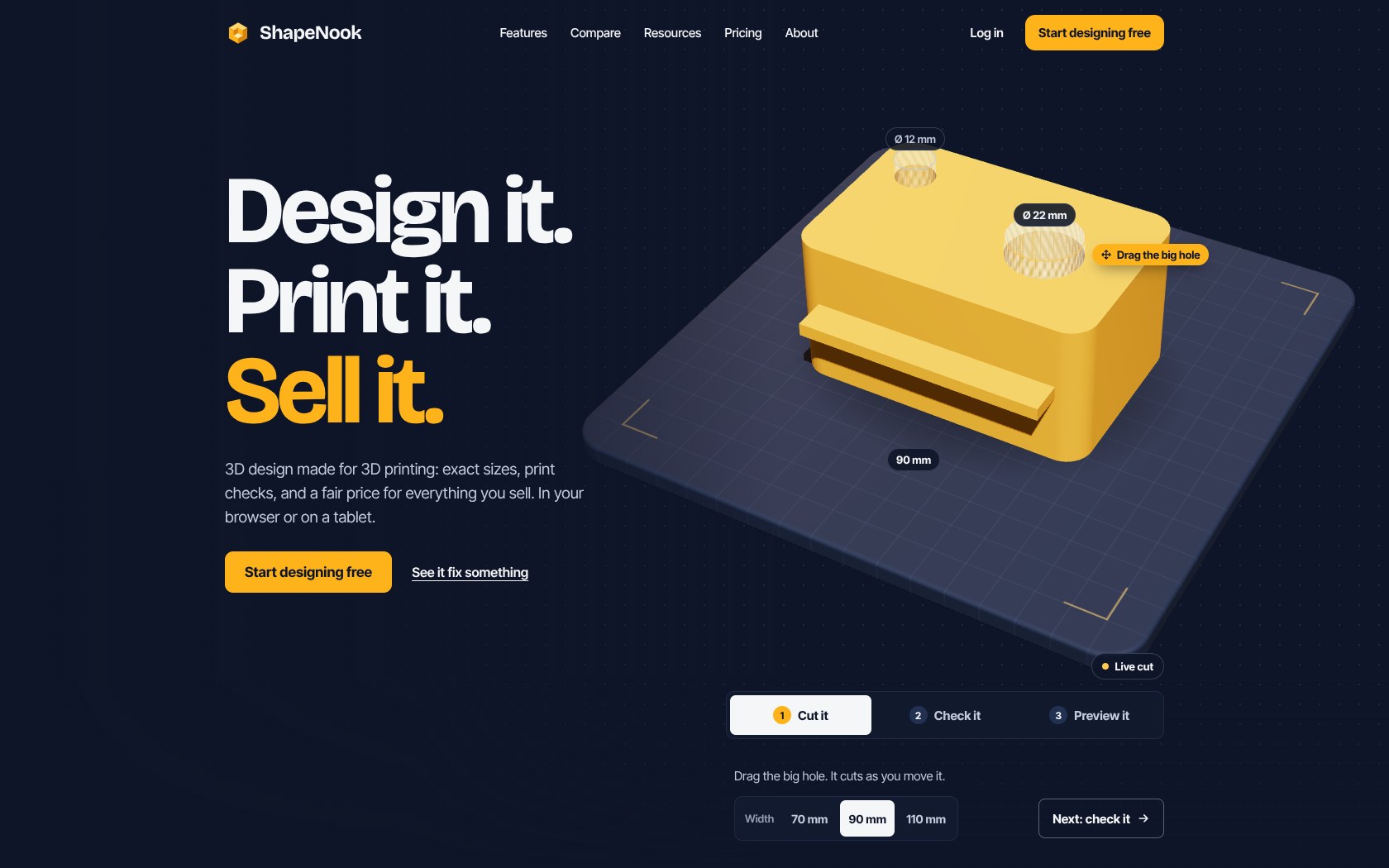
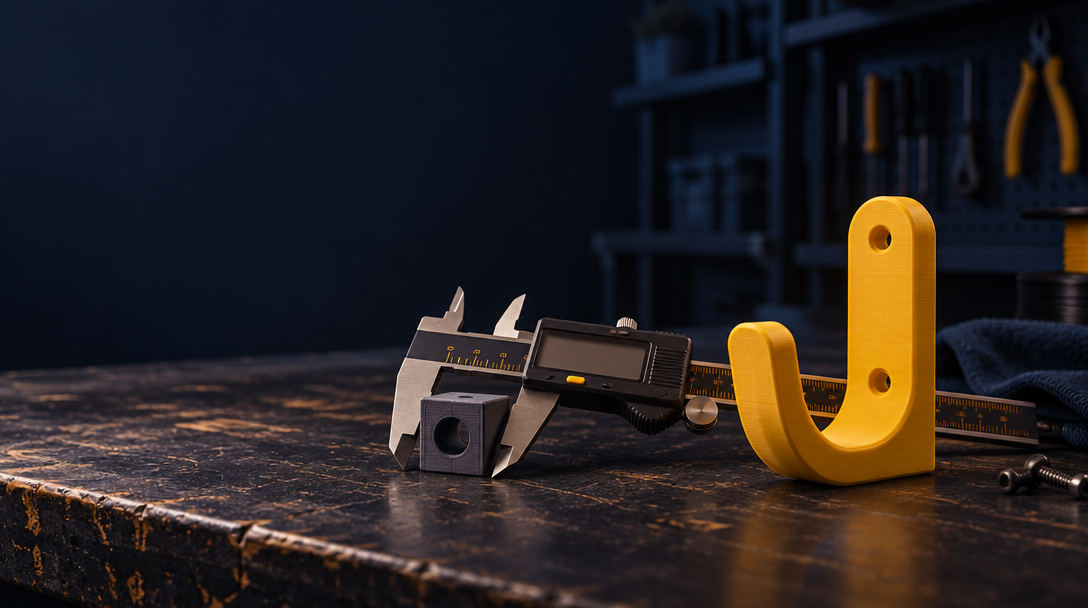
A TinkerCAD Alternative Built for 3D Printing
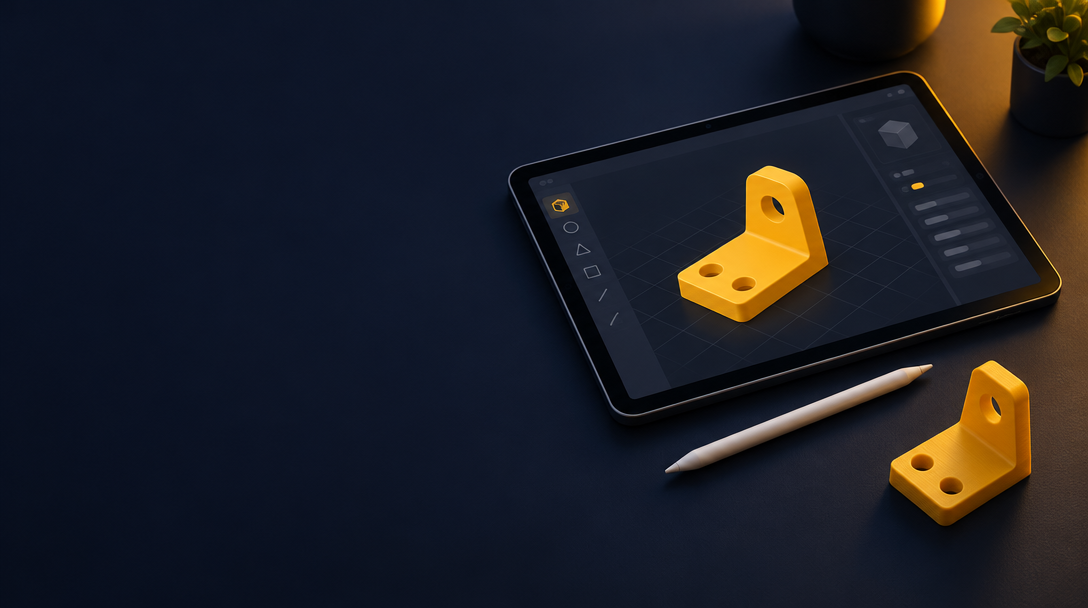
You want to design something to print. You have heard of TinkerCAD. Is it the right tool, or is there something built for printing?
TinkerCAD is a free, browser-based design tool, and it is a great place to learn. Its shapes are simple, and the tutorials are easy to follow. If you are new to 3D design, it is a fair place to start.
ShapeNook is also a browser-based tool, and it works on tablets. It is built around one job: designing parts that fit and print well. This guide explains where the two tools differ, so you can choose the one that suits your project.
What TinkerCAD does well
To be fair to TinkerCAD, here is what it offers:
- It is free to use.
- It runs in a web browser, so there is nothing to install.
- Its shape-based approach is easy to learn.
- It has a large library of community designs and lessons.
For learning the basics of 3D design, these are real strengths. Many people start there, and it is a good place to build confidence.
Where ShapeNook is different
ShapeNook focuses on the steps that come after design, when a part has to fit and print correctly.
Fit tests for your printer. Every printer is slightly different. ShapeNook includes a fit test that helps you find the allowance your printer needs. Print the test, try the peg in each hole, and use that number for the holes in your designs. Print tests are also free.
Print checks. Plus users get an overhang check that shows what needs support before you print. Free accounts get the fit test and print tests.
Exact sizes you can type. Type the size you need, instead of dragging shapes by eye.
Colors in 3MF on Plus. You can export colored 3MF files on the Plus plan, which helps when you want a multi-color print.
A free parts library. ShapeNook's free parts library includes joints, holes and other parts you can drop into your design and resize.
Browser and tablet. Work in your browser or on a tablet, with a pen, touch or mouse.
Which tool should you use?
Choose based on what you want to make.
- If you are learning 3D design and want to explore shapes, TinkerCAD is a good place to start.
- If you want to design a part that must fit a real object, ShapeNook is built for that job.
- If you want a tool that helps you check the fit before you print, use ShapeNook.
Many people use both. Learn the basics in one, then design the printed part in the other.
A simple example
Suppose you need a new knob for a dresser drawer. The shaft is 6.0 mm across.
In ShapeNook, run the fit test and find your allowance. Say your allowance is +0.2 mm. Make the shaft hole 6.2 mm, which is the shaft size plus the allowance. Then design the knob around that hole, export the file and print it.
The result is a knob that fits the first time, without guessing.
Work on a tablet or a computer
ShapeNook runs in the browser on a computer, and it works on a tablet. A pen is useful for sketching shapes and adjusting edges by hand. A mouse works just as well for exact sizes.
Try it on your next part
Pick one part you need, such as a knob, a clip or a box lid. Design it in the tool you choose, then print a small test first.
Start in the studio and design your first part.
What will you make first?