Create a 3D Model From a Sentence With AI

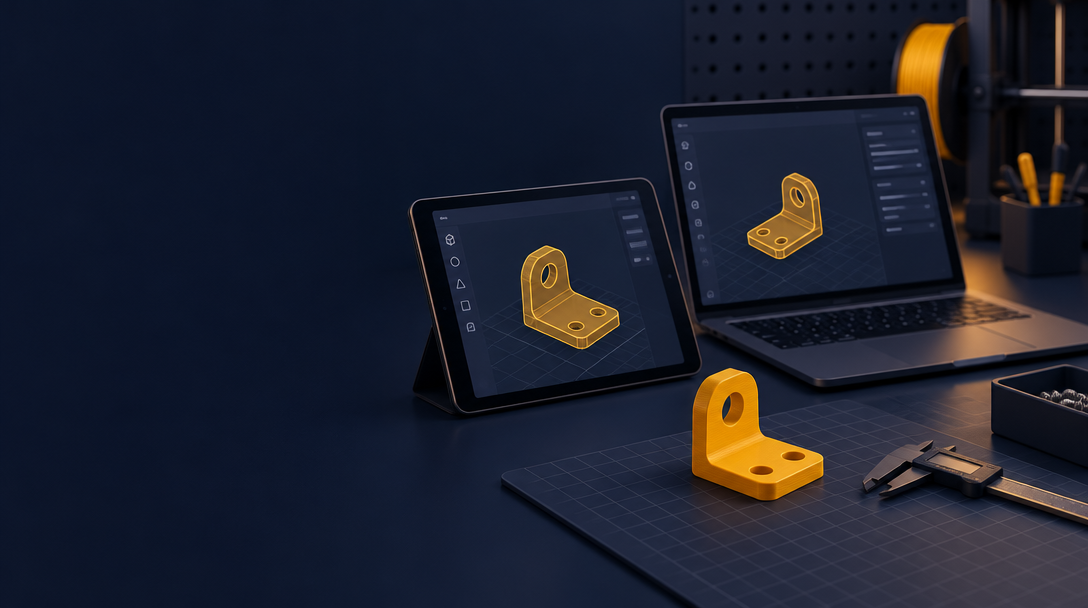
You have an idea for a phone stand, a castle, or a dragon for a friend. You do not know how to model it. In ShapeNook, you describe it in a sentence, and the studio builds a 3D design you can print.
A sentence can make three kinds of things. Pick the one that fits your idea.
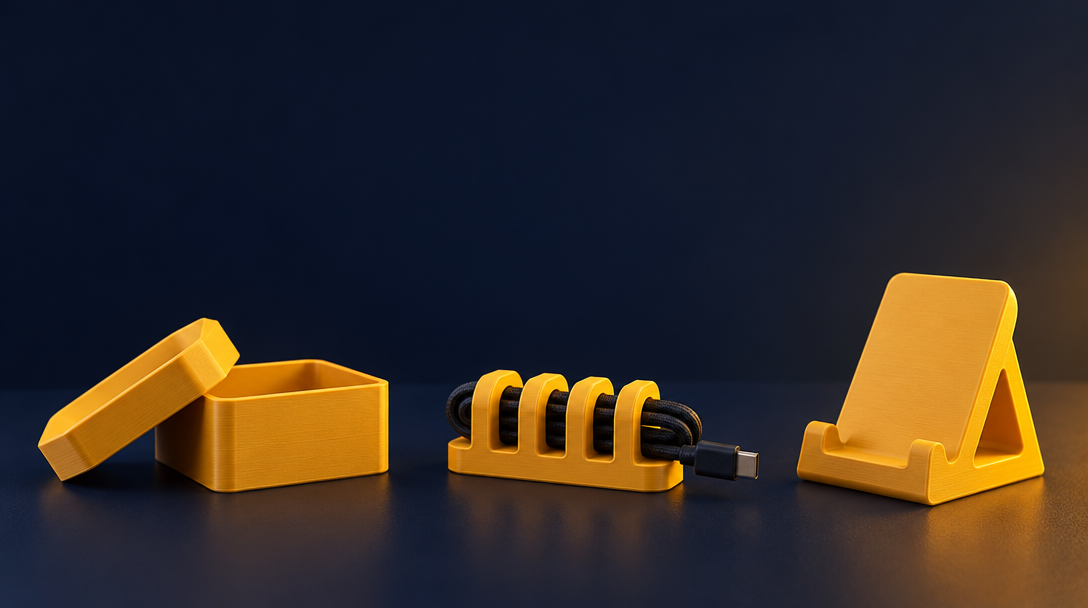
Describe it: useful objects
Describe a useful object, such as a phone stand. The studio builds it from ordinary shapes that you can resize and change. Set the width, the angle and the slots yourself.
This costs about 50 credits.
Build it: houses, barns and towers
Describe a building, such as a house, a barn, a lighthouse or a castle. You get one solid piece, sized for your printer.
This costs about 50 credits.
Sculpt it: creatures and characters
Describe a creature or a character, such as a dragon curled around a tree stump. You get a solid 3D figure with a flat base, sized to fit your printer.
This costs 135 credits. On the Free plan, your first figure can use your welcome credits; after that, figures use pack credits.
How credits work
- Every new account gets 150 free credits at sign-up (enough for a first 3D figure), so they're in your account from the start.
- Plus is topped up to 1,000 credits each month. Credits don't stack.
- Each request shows its cost before it runs. You pay only for what works.
See the full plan details on the pricing page. Painting a model in colors is a Plus feature.
When to edit by hand
AI gives you a strong starting shape. You will often want to edit it yourself.
- Add a flat base so it stands steady.
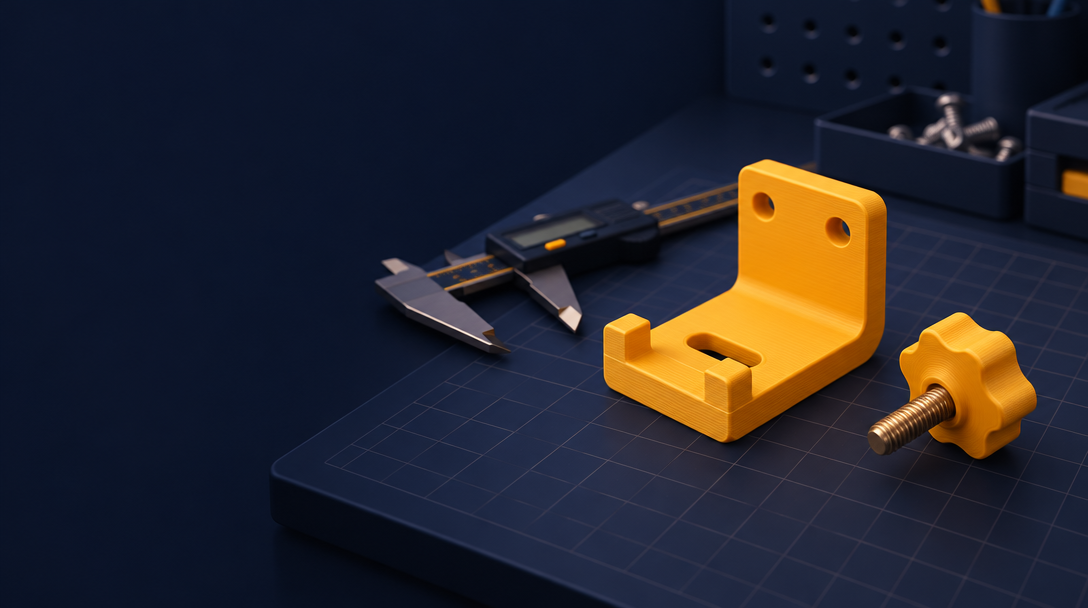
- Cut a hole or slot for a pin or a magnet.
- Check for overhangs and add support where needed.
- Split a large model into parts that fit your build plate.
Tips for better results
- Keep the description short and specific.
- Try a few versions of the same idea.
- Print a small test first to check the scale.
- Edit the model before you print it, not after.
Prefer a ready-made design?
Many ideas already have a free design. Browse the ShapeNook templates and click Open in studio. You can change it the same way.
Describe your first model
Pick one idea you have wanted to make. Describe it in one sentence, then see what ShapeNook builds.
Start in the studio and describe your first model.
What will you make first?