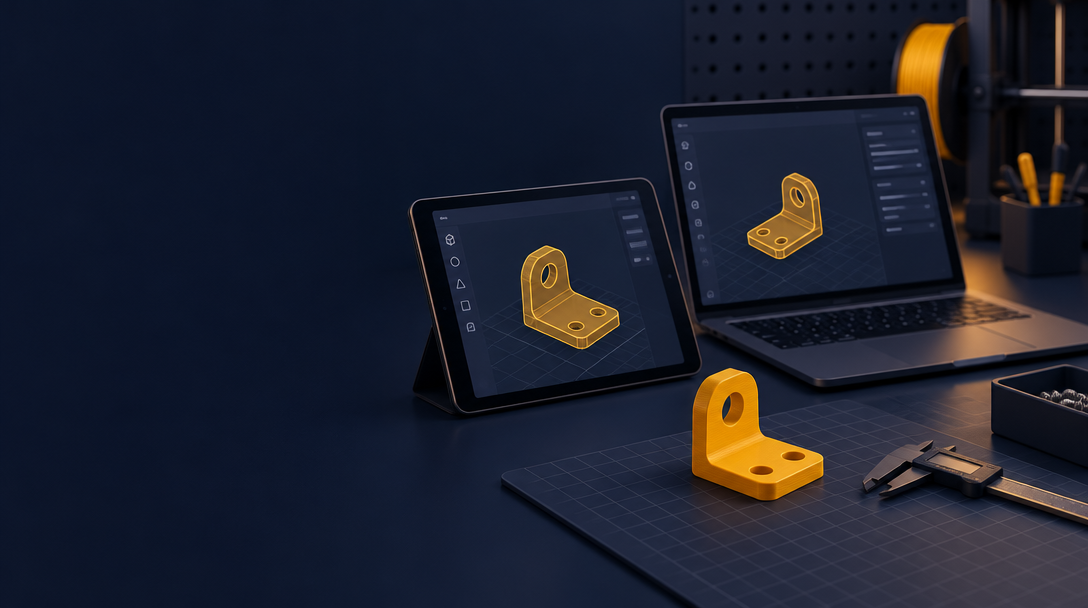
Free 3D Design Templates You Can Customize
You do not need to start from a blank screen. Most useful parts already exist as a simple shape with a few numbers that you can change.
In ShapeNook, every template is a real starting design built from shapes you can edit. Change the size, the angle, the slots, the colors and the words, then print a clean, solid part.
Every template is free. Browse them at ShapeNook templates and click Open in studio on any design to start.
Why start from a template
A template gets the basics right: walls, bottom, edges and openings. You only change what your project needs. That saves time, and it avoids the weak thin parts that often come from a first design.
Boxes with lids
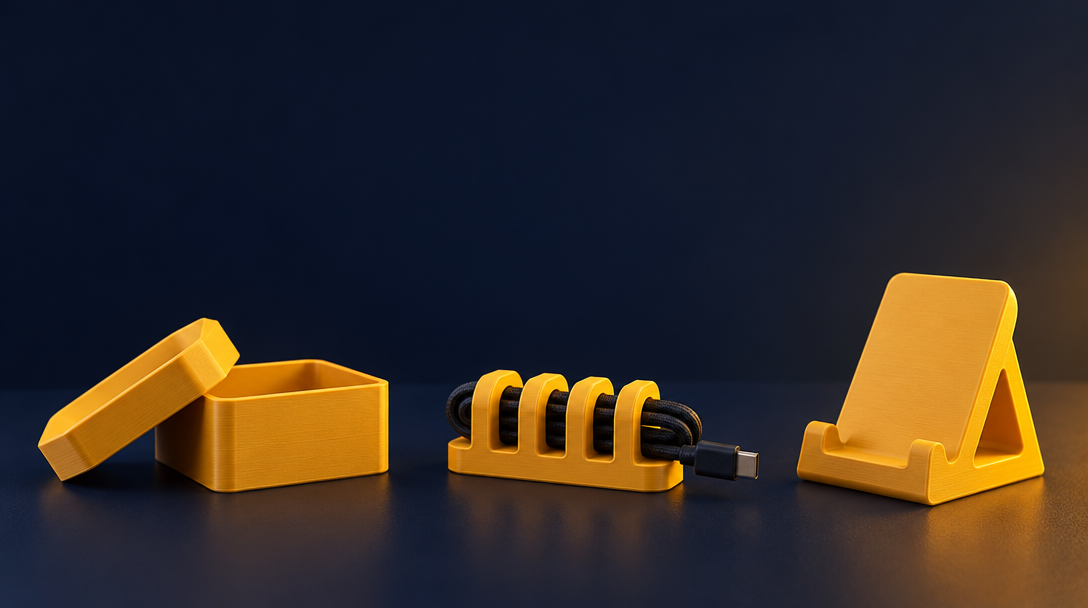
A box with a lid is one of the most useful prints you can make. Use it for small parts, screws, cables or craft supplies.
- Set the inside width, depth and height to fit what you store.
- Add dividers or change the lid size if you need a snug fit.
Cable organizers
Cable organizers keep chargers and cords off the desk. Change the number of slots and their width to match your cables, then print one in the color you like.
Phone stands
A phone stand is a quick, practical print. Change the angle for typing or watching video, and adjust the width to suit your phone case.
Desk organizers
Desk organizers hold pens, cards and tools in one place. Resize the compartments, add a name with the text tool, and build a set that fits your desk.
Need one small part? Use the free parts library
ShapeNook has 1,443 free parts. You will find fasteners, holes, joints, and pockets and stand-ins for everyday objects. Drop one into your design, then pick the size you need.
How to change a template
- Click Open in studio on any template at ShapeNook templates.
- Type exact sizes for your project.
- Change the slots, angle or colors.
- Check for overhangs before you print.
- Export the file and print it.
Print checks before you commit
If a slot or hole needs to fit a real object, print a small test first. Your printer's allowance may be slightly different from the one in the template.
Open a template and change one thing
Pick a template that matches a problem on your desk. Change one size, then print it.
Start in the studio and open your first template.
What will you make first?