Where to Find 3D Print Files, and When to Design Your Own
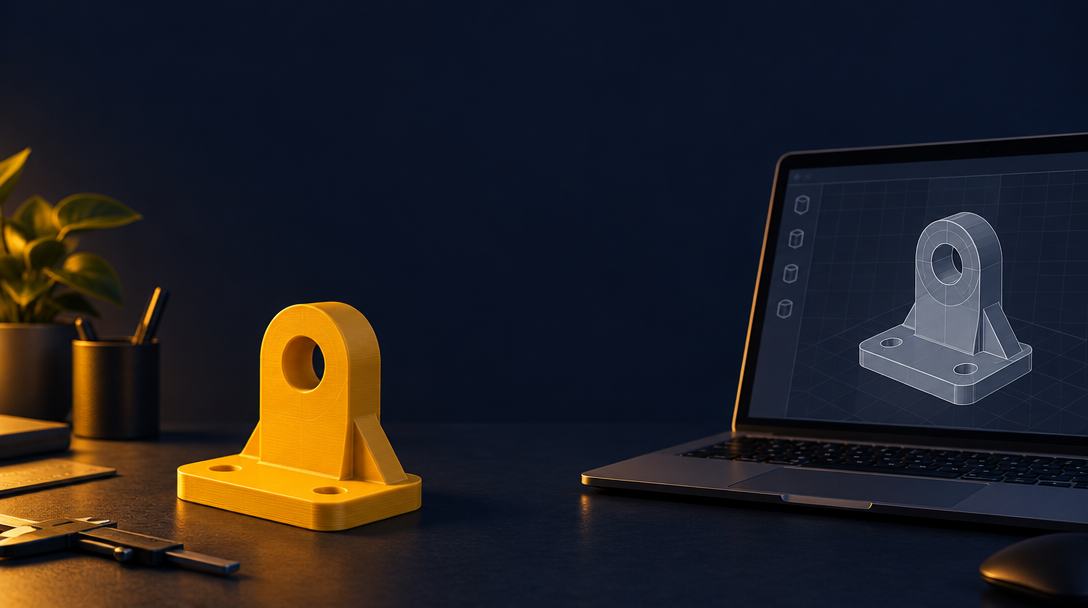
You want a phone stand, a planter or a box for your desk. You could search for a ready-made file and print it in an hour, or you could design your own. Both are good options. The right choice depends on what you need.
This guide covers where to find ready-made 3D print files, and when designing your own is the better choice.
Where to find ready-made files
Three popular sites host large libraries of printable files. Each has its own strengths, so it helps to know the differences.
MakerWorld is a community site where designers share models. It has a large collection of printable files, many with photos and print notes. Check the notes for print settings and the designer's comments.
Printables is another community library with a wide range of files. Many models include print profiles and photos of finished prints. Read the comments to see how other people printed the same model.
Thingiverse is one of the oldest model libraries. It has a huge catalog, from tools and toys to replacement parts. Search carefully, because some files are older and may not include the details you need.
Across all three sites, look for these signs of a good file:
- Clear photos of the finished print
- Notes on material and settings
- Comments from people who printed it
- A license that allows the use you have in mind
When a ready-made file is the right choice
Ready-made files work well when:
- The object is common, such as a standard hook or a basic stand
- Many people have already printed it and shared their results
- The size does not need to match something you own
- You want to print something today, without designing it
If a file has good reviews and clear photos, it is often the fastest way to get a result.
When designing your own wins
Designing your own part makes sense in other situations. Here are the most common ones.
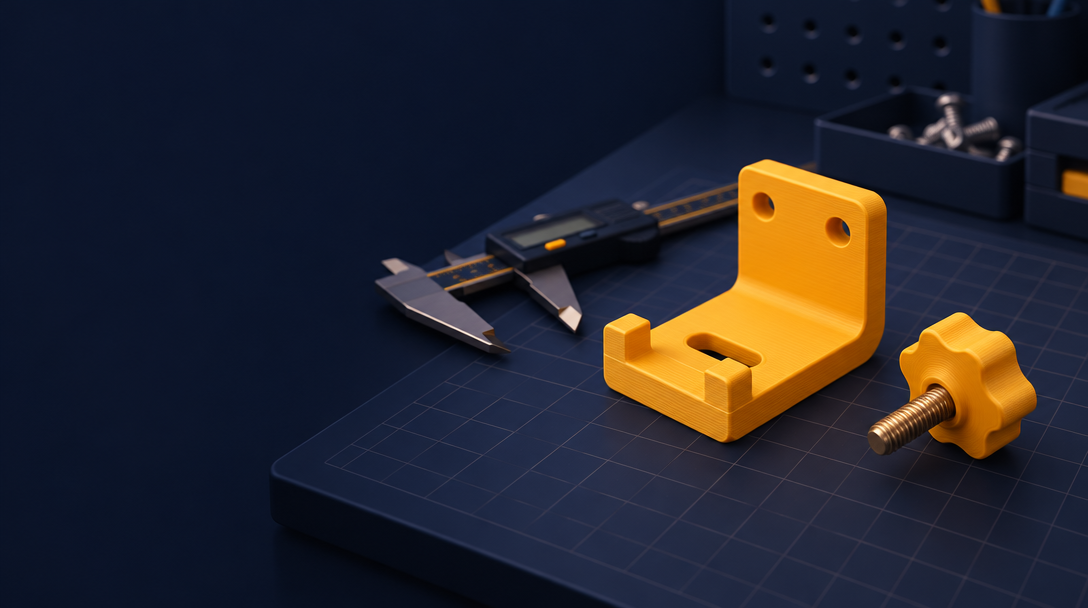
Replacement parts. A broken knob, clip or spacer often needs to match one specific object. A ready-made file may be close, but your own design can match the exact size of the part you need. Measure the broken piece and design the replacement from those numbers. The guide on printing a part that fits the first time shows how to do this step by step.
Things that must fit a real object. A phone stand has to hold your phone. A caddy has to hold your pens. When the object is already on your desk, measure it and design around it.
Custom sizes. A file made for one size may not fit your shelf or drawer. Design your own to match the space you have.
Names and personal details. A name on a keychain or an ornament is hard to find ready-made. Design your own and type the name you want.
Start from a template
You do not have to start from a blank screen. The ShapeNook templates are free starting designs. Each one is built from shapes you can change, so you can adjust the size, the slots and the colors without starting over.
A template is a good middle path. You get a design that already works, and you still make it your own.
Check any file before you print
Whether you download a file or design your own, check it before you print:
- Look at the size. Does it match what you need?
- Check the photos and notes for print settings.
- Look for thin walls and overhangs that may need support.
- Print a small test if the fit matters.
A ready-made file is still only a starting point. You may need to change the size for your printer or your material.
Decide which path to use
Ask two questions before you choose:
- Does this object need to match something I own?
- Has someone already printed exactly what I need?
If the answer to the first question is yes, design your own. If the answer to the second is yes and the first is no, search for a ready-made file.
Start with what you need
You can find a file in minutes, or you can make one that fits your desk exactly. Either way, measure first and print a test.
Start in the studio and design the part you need.
What will you make first?